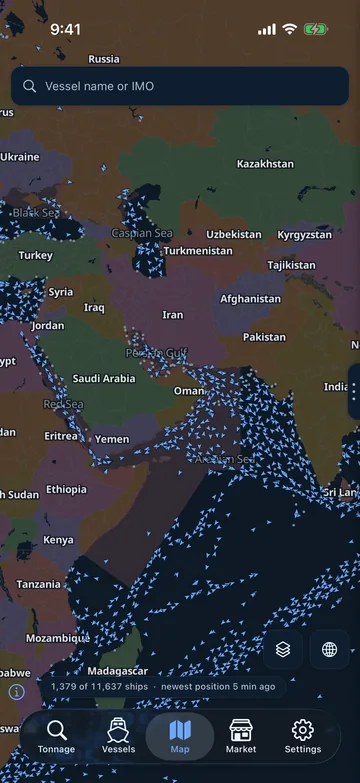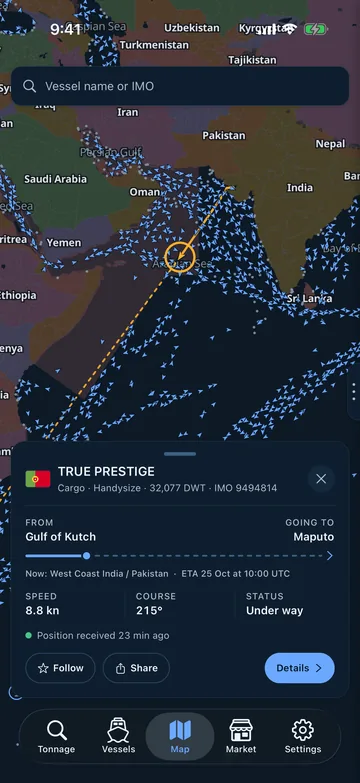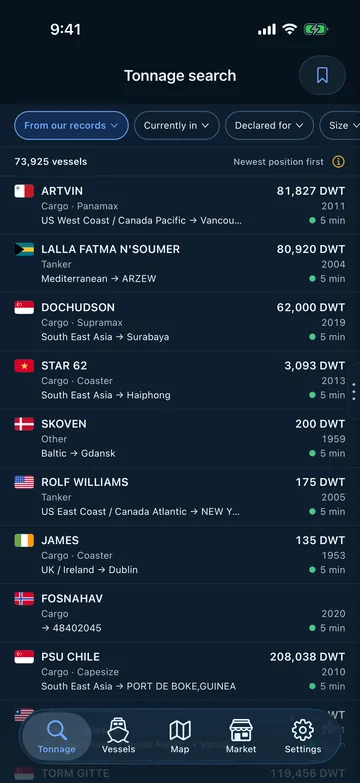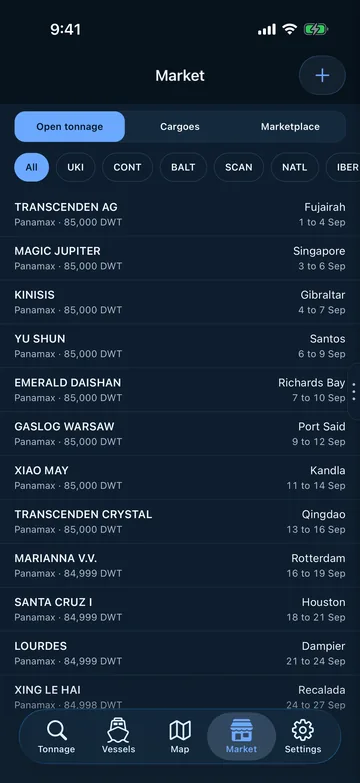

Neptune AtlasHome

Neptune Atlas on your desktop

The same desk, in its own window, with its own icon in your dock or taskbar. It opens straight on the sign-in screen and keeps you signed in between sessions.

Version 0.1.0. About 3 MB, because it is a window onto the live site rather than a copy of it, so it is never out of date.

Your computer will warn you the first time. These builds are not code-signed yet, so macOS says it cannot verify the developer and Windows calls the publisher unknown. Nothing is wrong with the download. On a Mac, right-click the app and choose Open, then Open again. On Windows, click More info and then Run anyway.
macOS

Apple silicon and Intel, in one universal build. macOS 10.15 or later.

Download2.6 MB
Windows

Windows 10 and 11. Uses the WebView2 runtime, which Windows already has.

Download1.0 MB
Linux

Debian and Ubuntu, and anything based on them. Needs webkit2gtk, which most desktops already have.

Download1.3 MB

You may not need this

Neptune Atlas already installs from your browser, with no download at all. In Chrome or Edge, open the site and use the install icon in the address bar. You get the same window and the same icon, and it works on a machine where you cannot install software. The desktop app is here for people who would rather have a real installer.

What it is

A native window around the same application you use in a browser. Your data stays exactly where it was: nothing is stored on your machine beyond the sign-in that keeps you logged in, and the app talks to the same API over the same encrypted connection.